You know that “1:47 a.m.” feeling where you’re staring at your product idea, your Shopify store, or your half-built MVP, and you’re thinking: “I can’t hire a dev team, but I also can’t ship nothing,” right?
And then you see vibe coding platforms everywhere, promising “no setup,” “one-click publish,” “build by chatting,” and you wonder if this is real—or just another subscription you’ll cancel in two weeks, yeah?
If you’re a new cross-border ecom seller or an indie maker, you’re not actually chasing “code,” you’re chasing speed, clarity, and a link you can send to customers today, agreed?
Before we even answer what is youware, let’s give you a simple way to decide without regret, okay?
Decision Guide: Five Checks Before You Commit
1) Shipping Speed Check: Can you go from idea → live link in one sitting, without touching servers or configs?
2) Ownership Check: Can you see the code, and can you download it when you’re ready to “graduate” to your own stack?
3) Real Workflows Check: Can it build what you actually need—landing pages, internal tools, dashboards, simple apps—rather than shiny demos?
4) Cost Control Check: Does it protect you from wasting credits/tokens on bad generations, and does it explain what costs what?
5) Anywhere Check: Can you create and iterate from your phone when inspiration hits (or when you’re traveling for sourcing)?
If a tool fails 2 of these 5, it usually turns into “late-night tinkering” instead of “revenue-driving shipping,” don’t you think?
Part 1. What Is YouWare
So, what is youware in plain English?
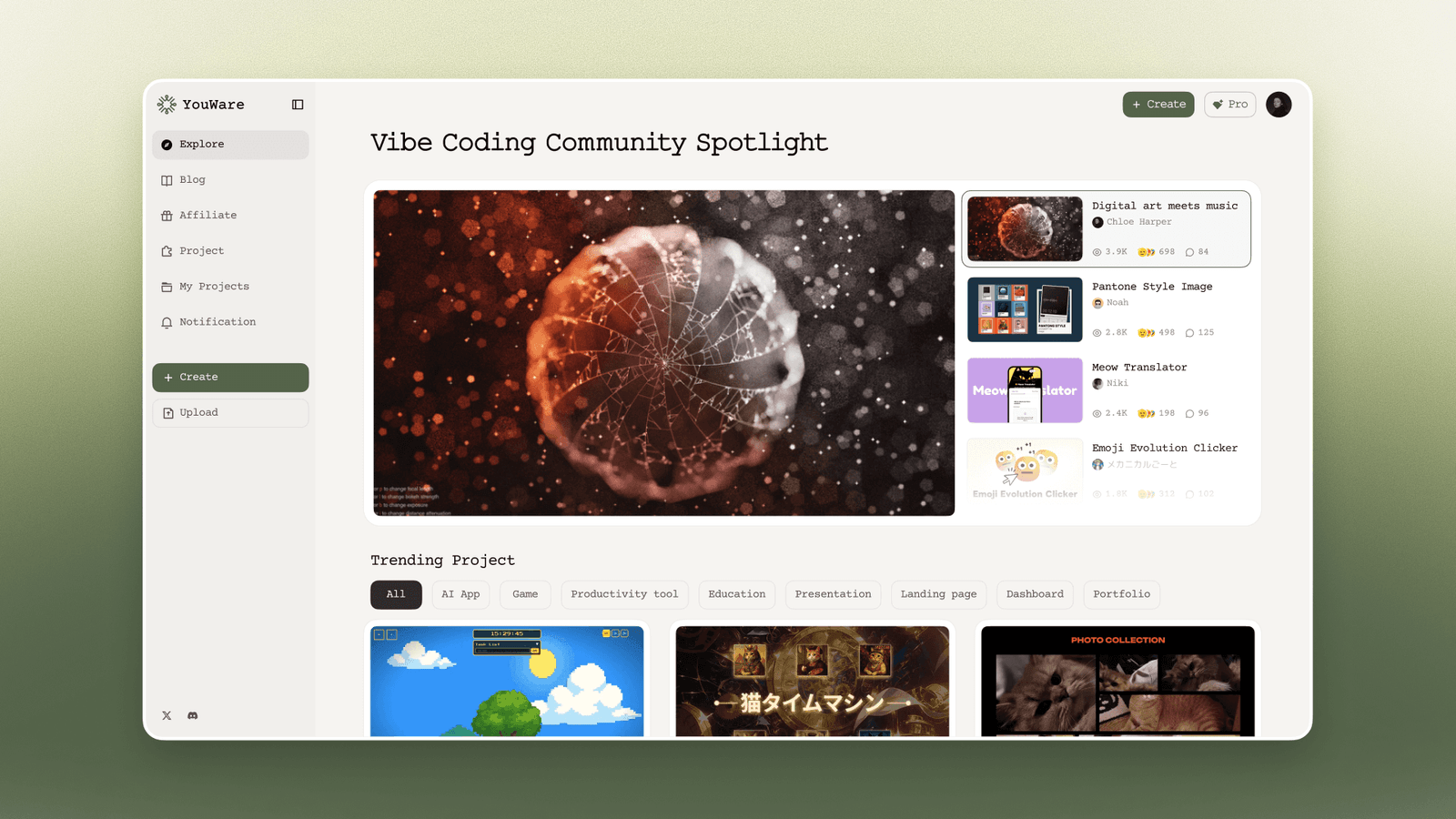
YouWare positions itself as an all-in-one vibe coding platform where you chat (or even speak) your intent, and it generates a working web project you can publish and share quickly, without the usual setup pain.
It also leans hard into “community + creation,” meaning you don’t just build—you can explore, remix, and learn from what other creators ship.
Key Features (The Ones That Actually Matter)
YouWare highlights website building, dashboards, prototypes, internal tools, Figma-to-website, creative projects, apps, and even simple games—basically the stuff makers ship when they’re moving fast.
It supports full-stack building through YouBase modules like authentication, database, storage, and secrets, so you can go beyond “pretty pages” when you need real functionality.
And yes, it has a mobile app workflow where you can create, edit, and publish on iOS/Android, with voice input and cross-device sync.
Who Is It For
If you’re a cross-border seller, think: quick promo pages, product education pages, post-purchase tools, inventory mini-systems, or customer-facing calculators you can share as a link, fair?
If you’re an indie dev, think: MVP prototypes, interactive demos, micro-SaaS experiments, and “I need something live tonight” builds, fair?
And if you’re a non-coder with taste, YouWare is basically trying to turn that taste into a shipped artifact without you becoming a full-time engineer, which is the whole vibe, right?
Part 2. What Can I Build With YouWare Vibe Coding Platform
Let’s get concrete, because “you can build anything” is marketing unless we name real outputs, okay?
For Cross-Border Ecom Sellers: You can build a SEO-ready landing page, a product comparison page, a bundle builder, a simple returns/FAQ tool, or a distributor onboarding page you can update by chatting.
For Operations: You can build lightweight internal tools like a SKU tracker, a supplier quote board, a content calendar dashboard, or a customer feedback form that actually stores submissions using YouBase.
For Indie Developers: You can build clickable prototypes, small full-stack apps, demo sites for launches, and “feature preview” sandboxes that let users play with the idea before you invest months.
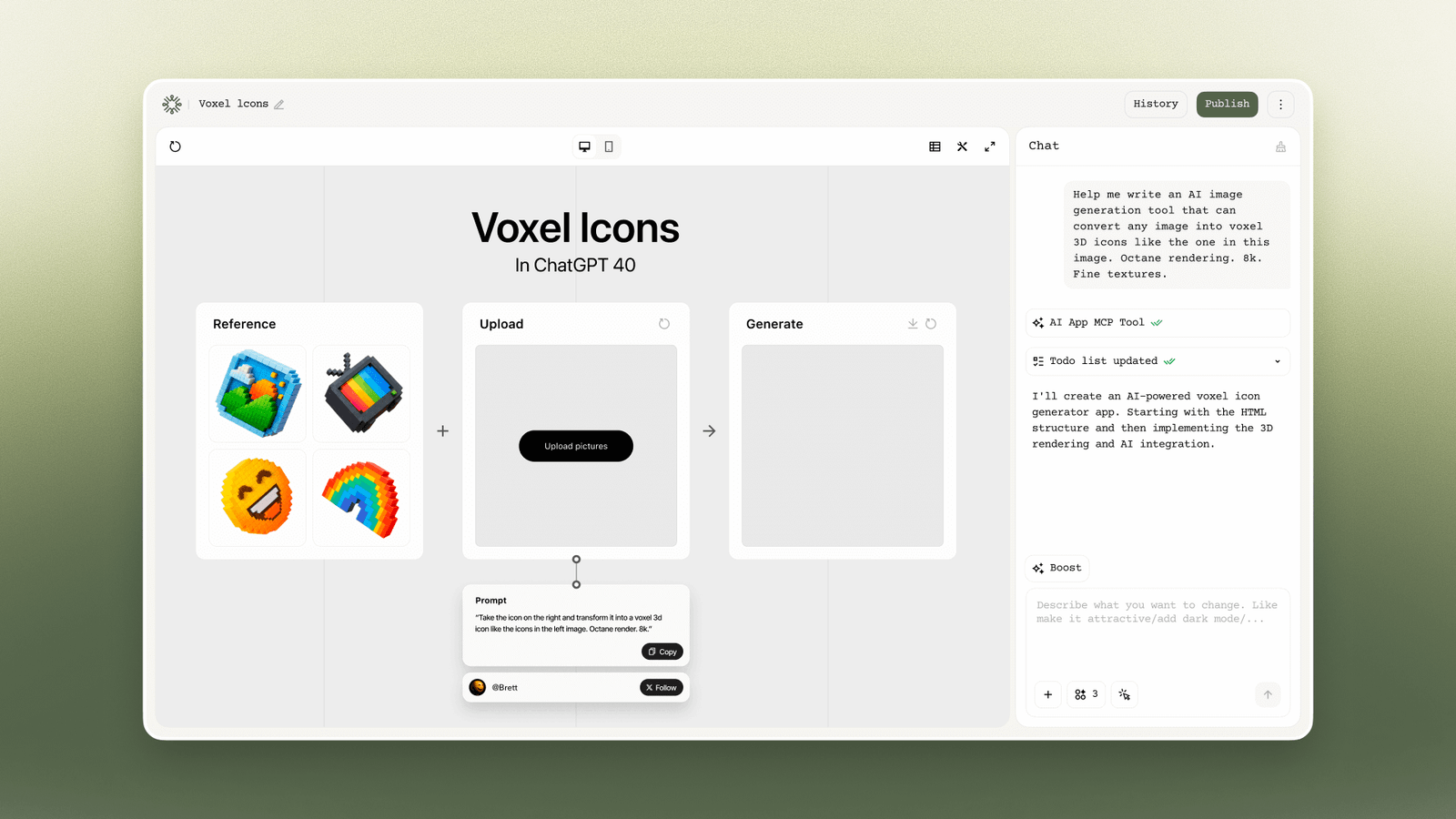
For On-The-Go Iteration: You can start a project from your phone, use voice prompts, edit code/design, and publish—then continue on desktop later with synced changes.
The real question is: are you building to impress yourself, or building to get users to click, pay, and reply?
Part 3. What Are Advantages And Disadvantages Of YouWare
Advantages
Fast To Live Link: YouWare’s core promise is “build, deploy, share” without setup friction, which is exactly what early-stage makers need.
Full-Stack When You Need It: YouBase gives you auth, database, storage, and secrets so your project can evolve beyond a static page.
Mobile Creation: Real mobile support (create/edit/publish) is a serious edge when you’re running a business or traveling.
Community Learning Loop: The “explore/remix” culture helps you steal like an artist—ethically—by starting from working patterns.
If these advantages map to your real bottleneck, isn’t that already a strong signal?
Disadvantages
Code Download Isn’t Always Free: You can view code, but downloading code is positioned as a Pro feature, and it may be restricted to projects you created (not Remix).
No Offline Mode On Mobile: The mobile app requires an internet connection to create and edit, which matters if you travel or work from spotty networks.
AI Can Still Drift: Like every vibe coding tool, vague prompts can create “pretty but wrong” outputs, and the cost of iteration is real if you don’t control scope.
So the real question is: are you disciplined enough to prompt like a product manager, not like a hopeful poet?
Hidden Traps (3 Red Lines That Waste Money)
Trap 1: Leaking API Keys In Front-End Code If you plug external APIs directly into client code without using a secrets mechanism, you risk exposing keys (and paying for the damage later). Are you treating “security” as a day-one feature, or a day-90 apology?
Trap 2: Paying For Pro Just To “Own” Something You Can’t Export Yet If your plan is “Remix cool projects, then download the code,” watch the fine print—download may be limited to projects you created from scratch (non-Remix) and is Pro-only. Are you buying the plan for your workflow, or for a fantasy workflow?
Trap 3: Credit Burn From Endless Redesign Loops Many builders push you into “one more tweak” cycles; YouWare talks about credit logic (charged when the AI executes tasks) and even rollback-style credit protection in its mobile listing, but you still need boundaries. Do you have a stopping rule, or do you just keep prompting until your budget disappears?
Part 4. What Are Differences Between YouWare And Alternatives
Here’s the honest framing: YouWare is trying to be a creation + publishing + community hub, while some alternatives are more “developer IDE” or more “agent in a sandbox,” got it?
3–4 Alternatives Worth Knowing
- Replit: Browser-based building and deployment with AI and collaboration vibes.
- Bolt.new: Prompt/run/edit/deploy full-stack apps in the browser, with strong “agentic” flow.
- Lovable: Strong “ship an app fast” story, plus GitHub sync for exporting/ownership.
- Cursor: An AI-first code editor for people who do want to live in code and iterate deeply.
If you pick the wrong category, you’ll feel friction every single day, so let’s compare clearly, okay?
Comparison Table
After reading this table, are you choosing based on how you work today, or how you imagine you’ll work “someday”?
Part 5. FAQs On YouWare
1. How To Download YouWare Files?
If you mean “download my project’s code,” YouWare’s docs say code downloading is a Pro feature and may only apply to projects you created from scratch (not Remix).
If you mean “download files inside my app” (like user uploads), YouBase Storage supports downloading single files or bundling multiple files/folders into a ZIP.
Which one are you actually trying to download—your source code, or your app’s user files?
2. Can I Use YouWare For Free?
YouWare markets a “start free” / “no credit card required” entry, and its docs also reference free behaviors like copying templates without credit charges (credits are about AI tasks).
But practical reality: if you need guaranteed exports, heavier usage, or pro workflows, you’ll probably hit paid tiers—so your “free” should be for validation, not forever building, right?
3. Can I Use YouWare On My Phone?
Yes—YouWare has iOS and Android apps, and the docs say you can create projects, edit code/design, publish, and sync across devices, with voice input and push notifications.
The catch is you’ll need internet (no offline mode), so is your workflow mostly “on Wi-Fi,” or truly anywhere