
Although I don’t really understand traffic arbitrage, anti detect browser seem like an interesting tool to me. And they can be useful not only for that specific audience.
So today I decided to take a look at Undetectable — a service that largely replicates the functionality of similar tools, but also offers some unique features, such as a profile marketplace.
Getting Started
Honestly, getting to grips with the browser turned out to be much harder than with its competitors. You’d think it’s the usual flow: register in the web dashboard, configure profiles, and download the browser.
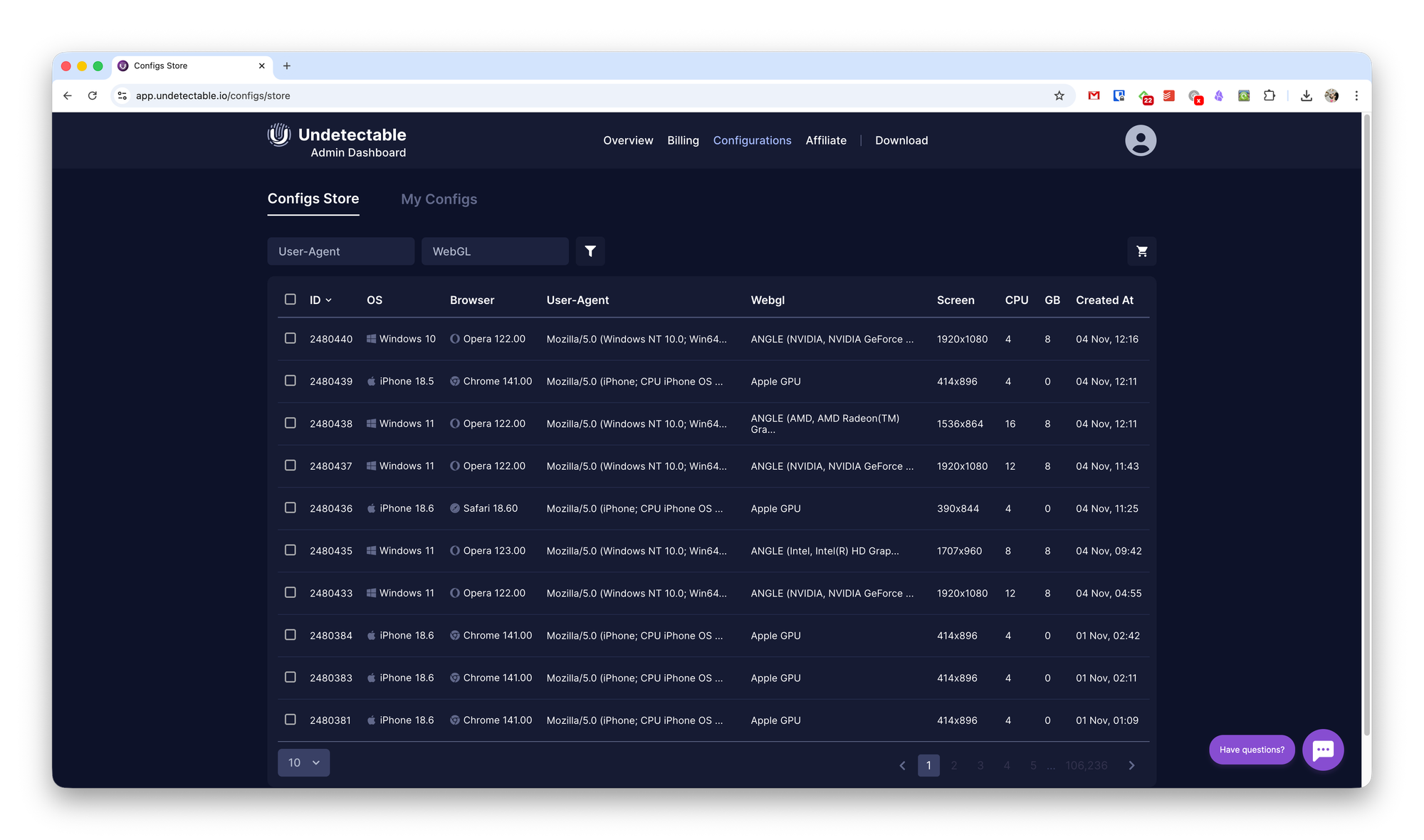
But no. In Undetectable’s admin panel, you can only browse the profile marketplace and view existing profiles. You can also manage users there, but for that you’ll need to log into a separate admin panel.
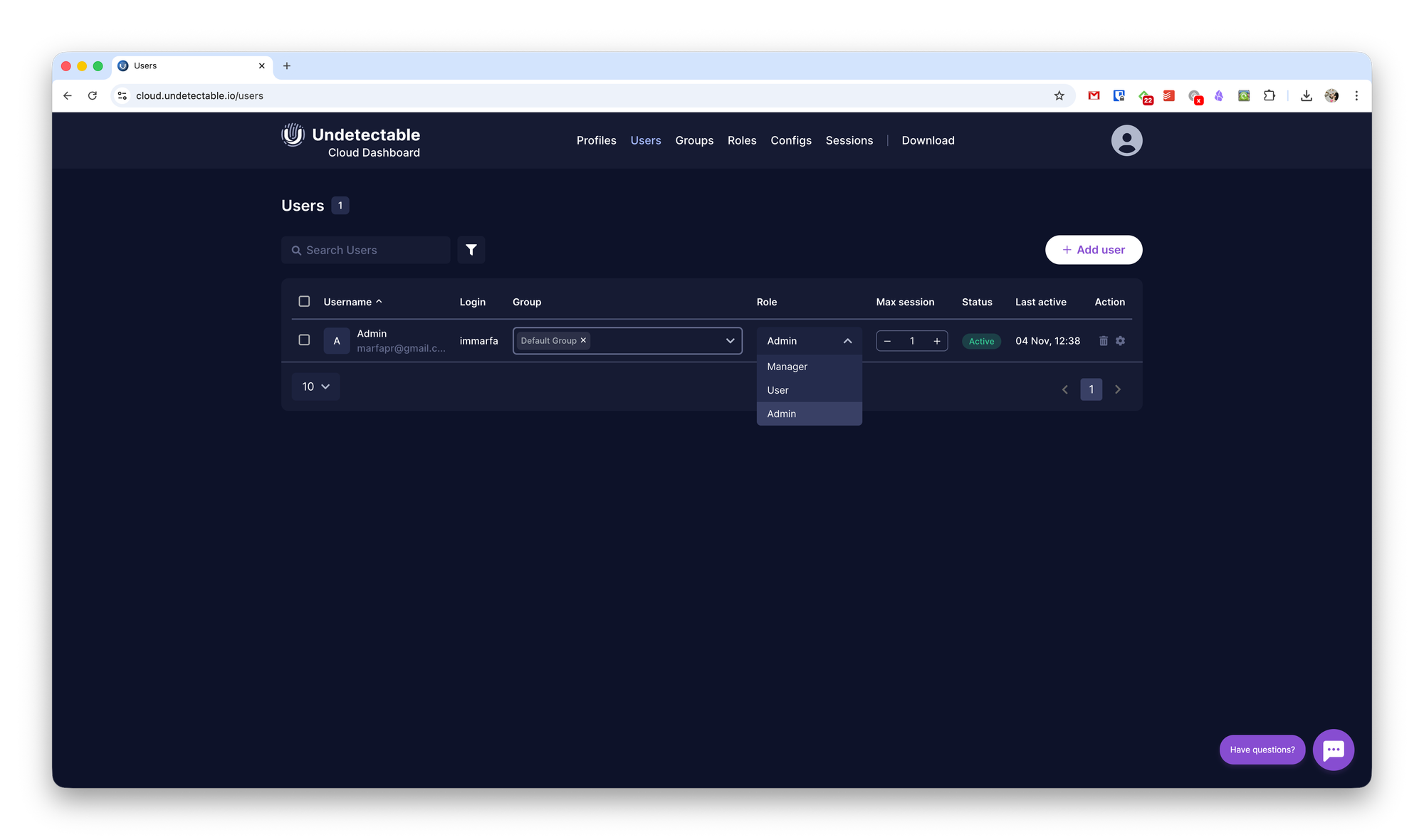
You can create user groups and assign different access levels: admin, manager, or user.
Config Setup
To configure everything else, you first need to download the browser itself. Only then will you be able to create the necessary configurations.
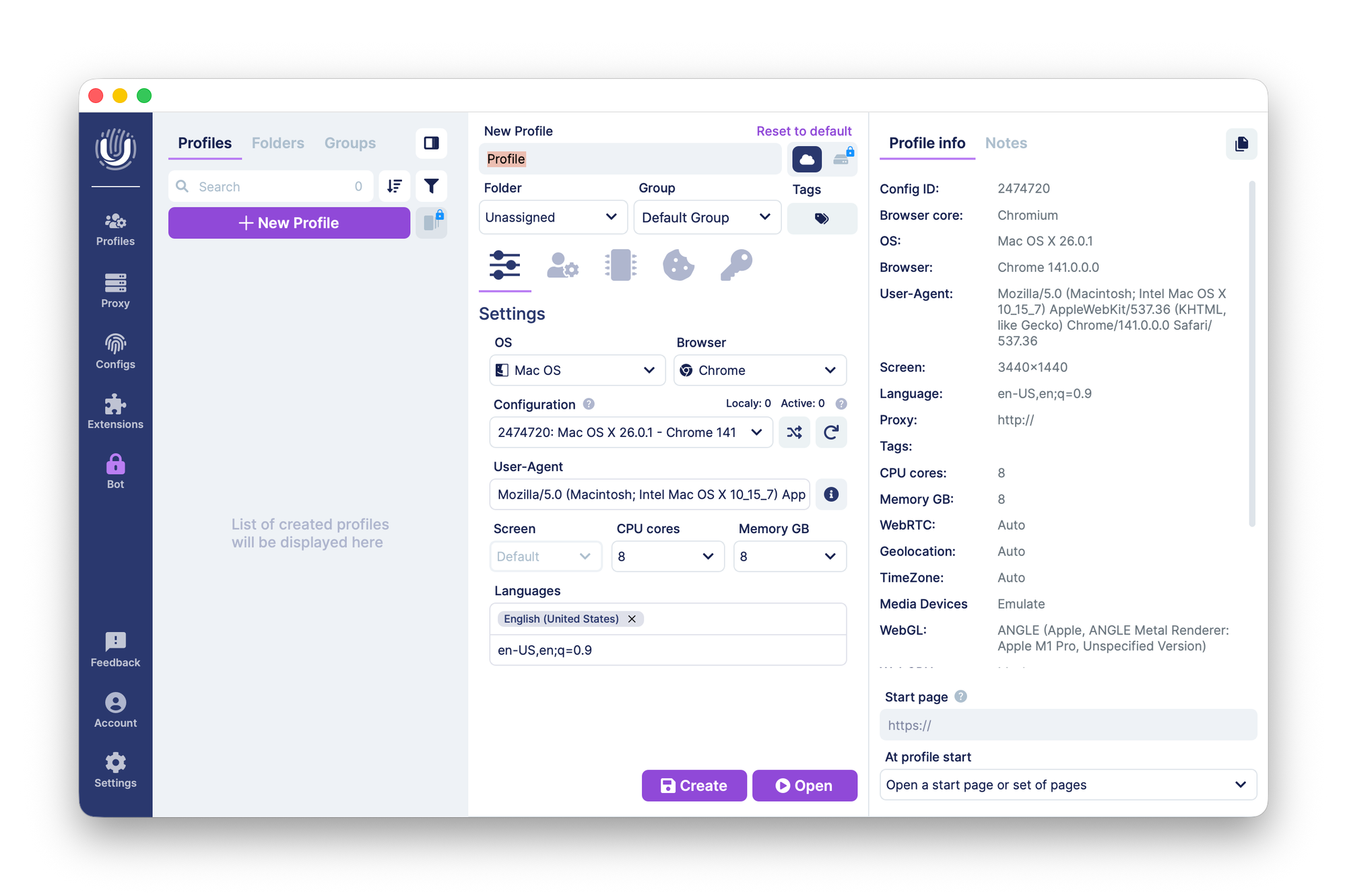
When creating a new profile, you can assign it to a folder or group and add tags. You can also define all required User Agent parameters for future sessions:
- Operating system
- Browser (Chrome-based, Safari, Firefox)
- Specific browser build
- Custom User Agent
- Screen resolution, CPU, and RAM
- Locale
You can also set a старт page and add notes so you don’t forget what the profile is for.
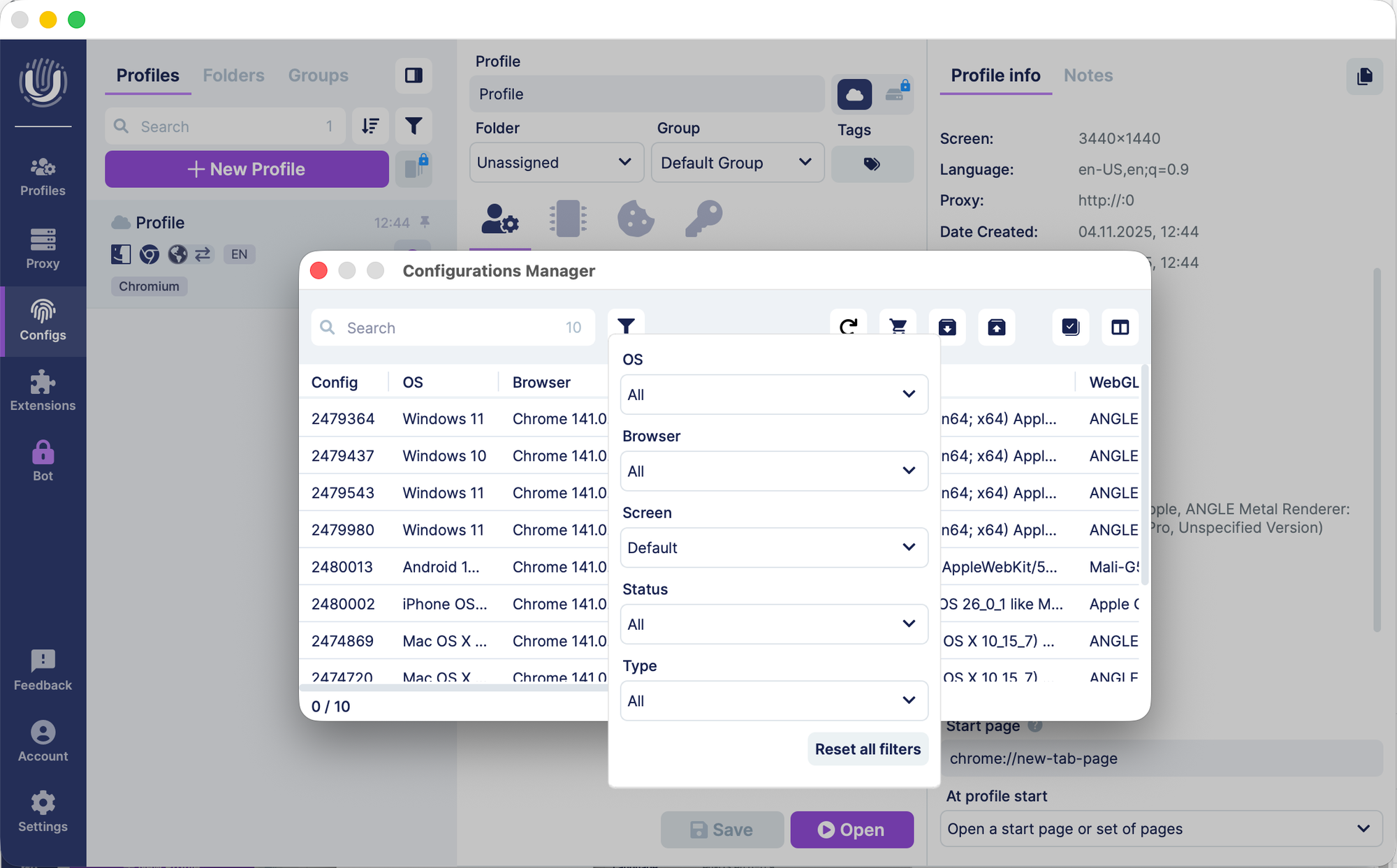
If you don’t want to configure your own profile, you can purchase a ready-made one in the Configs section. The selection is quite broad, with filters for easier search.
Each profile costs $2.50, and purchasing redirects you to the web admin panel.
To start working with a selected profile, simply launch it — a new browser window will open with the specified parameters.
Additional Features
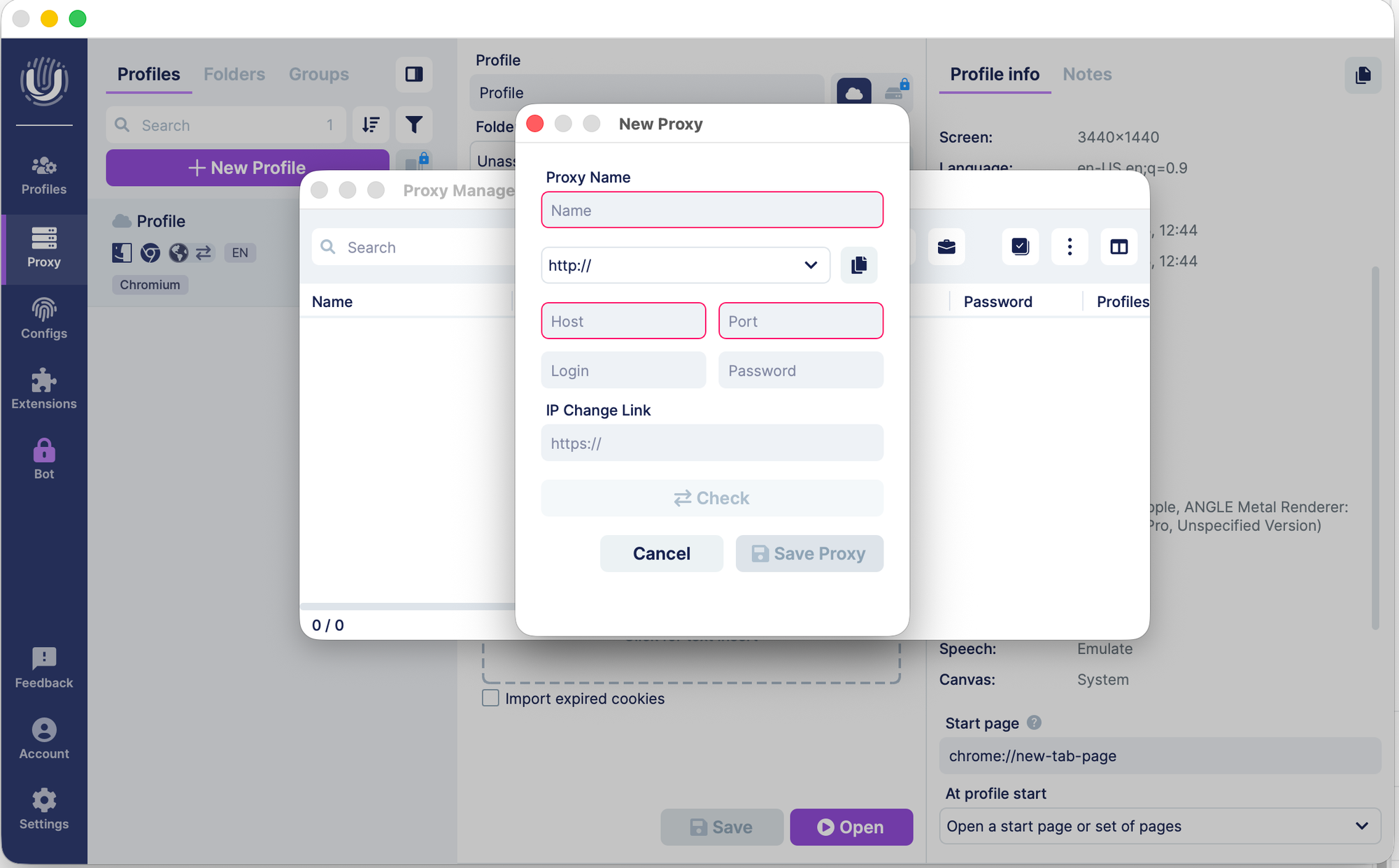
In the Proxy section, you can add your own proxy settings. Unlike competitors, Undetectable does not provide built-in proxy options, so you’ll need to obtain them yourself.
The Extensions section allows you to configure pre-installed browser extensions. You can either provide a direct link to the Chrome Web Store or upload an extension file manually.
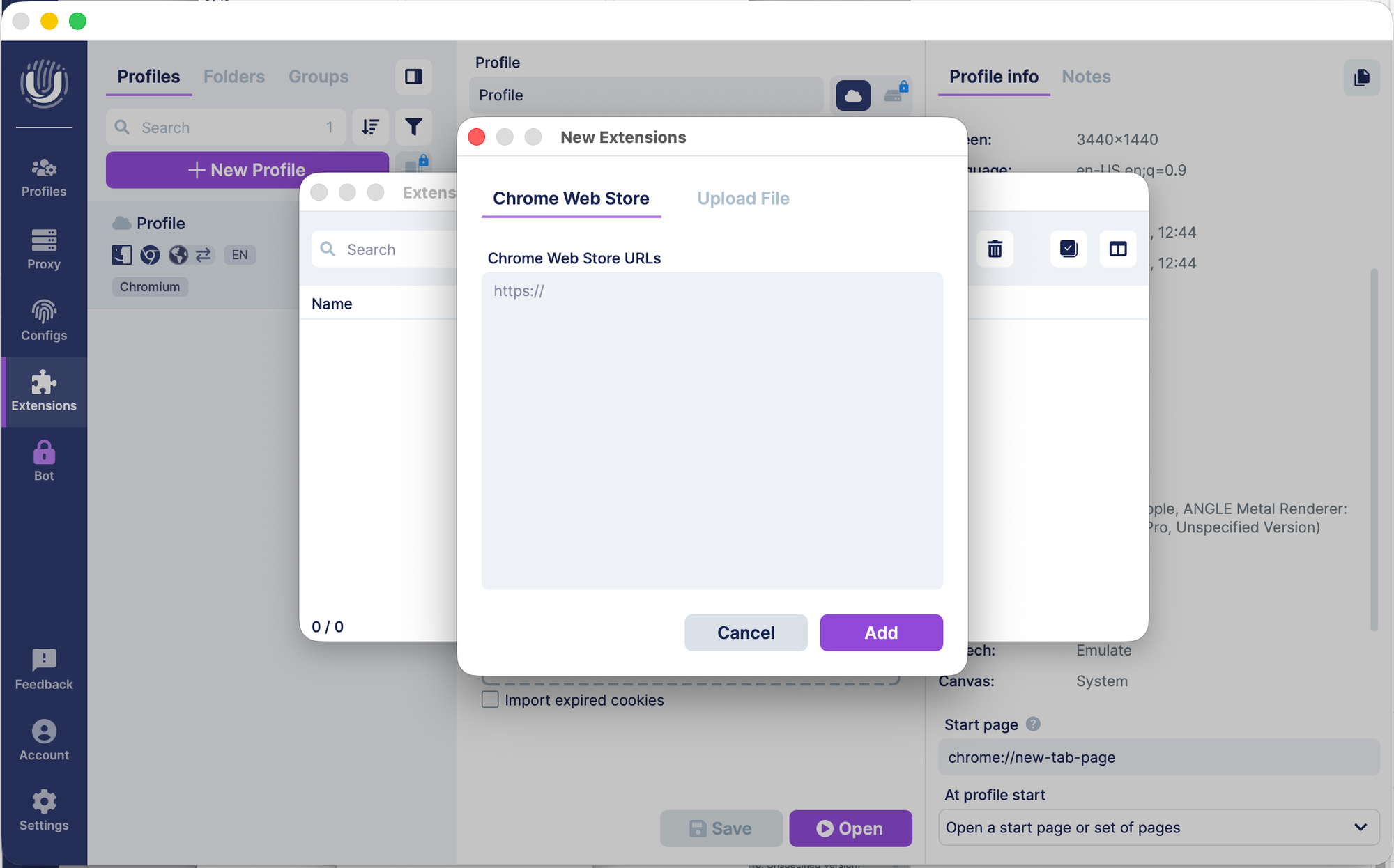
Unfortunately, only Chrome extensions are supported. So even if you use profiles for other browsers, you won’t be able to add extensions to them.
Pricing
The free plan does not support local profiles and allows up to five cloud profiles. Users and sessions are limited to one.
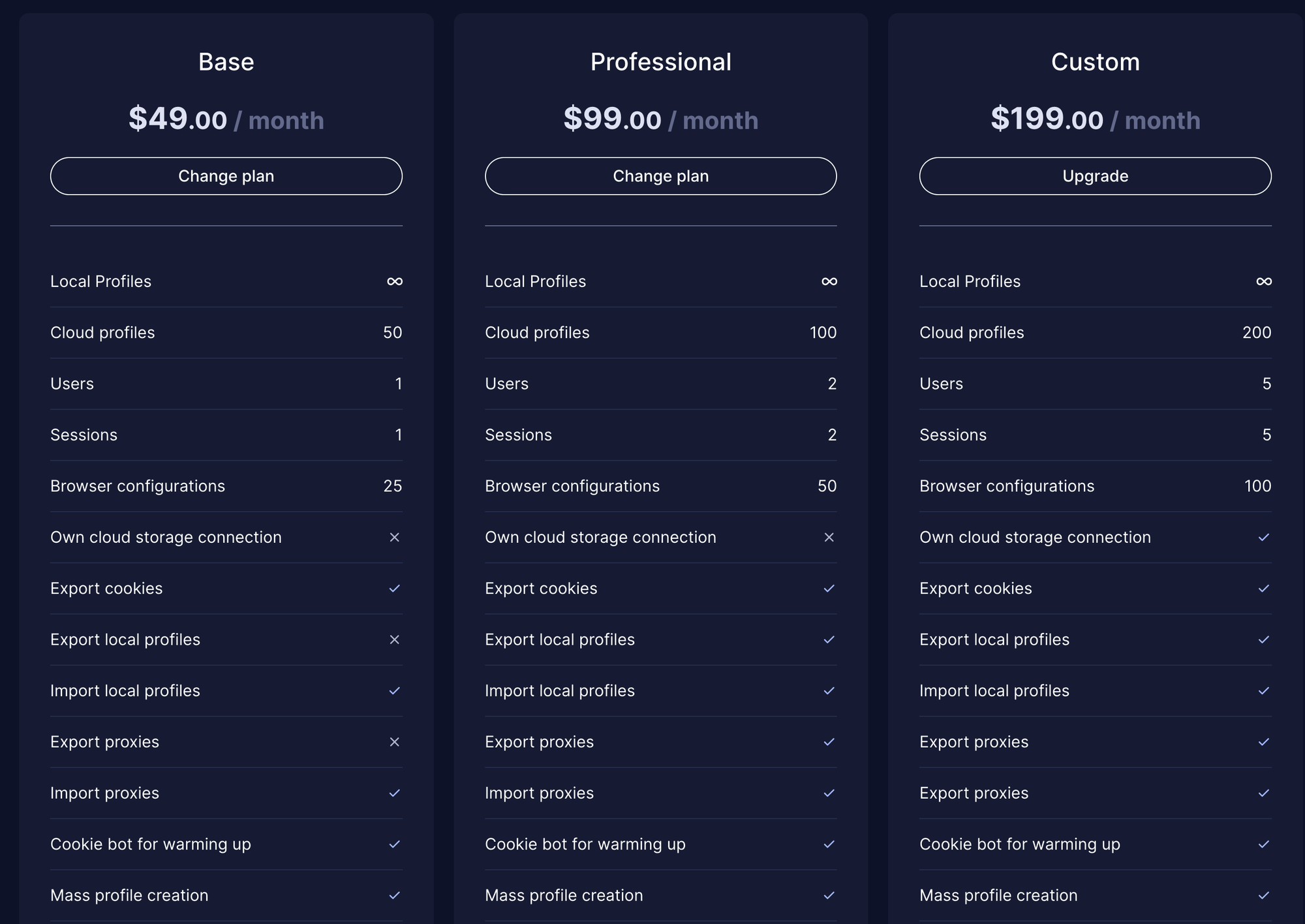
You can upgrade starting from $49/month. Paid plans increase limits and allow unlimited local profiles.